Insight · SEO strategy
GEO isn't replacing SEO
Read article →
OpenAI launched Businesses in ChatGPT in beta on 10 November 2026. Business Hub lets an eligible business claim its profile, update details and see mentions and clicks. UK shops and Business Agents are a different story.
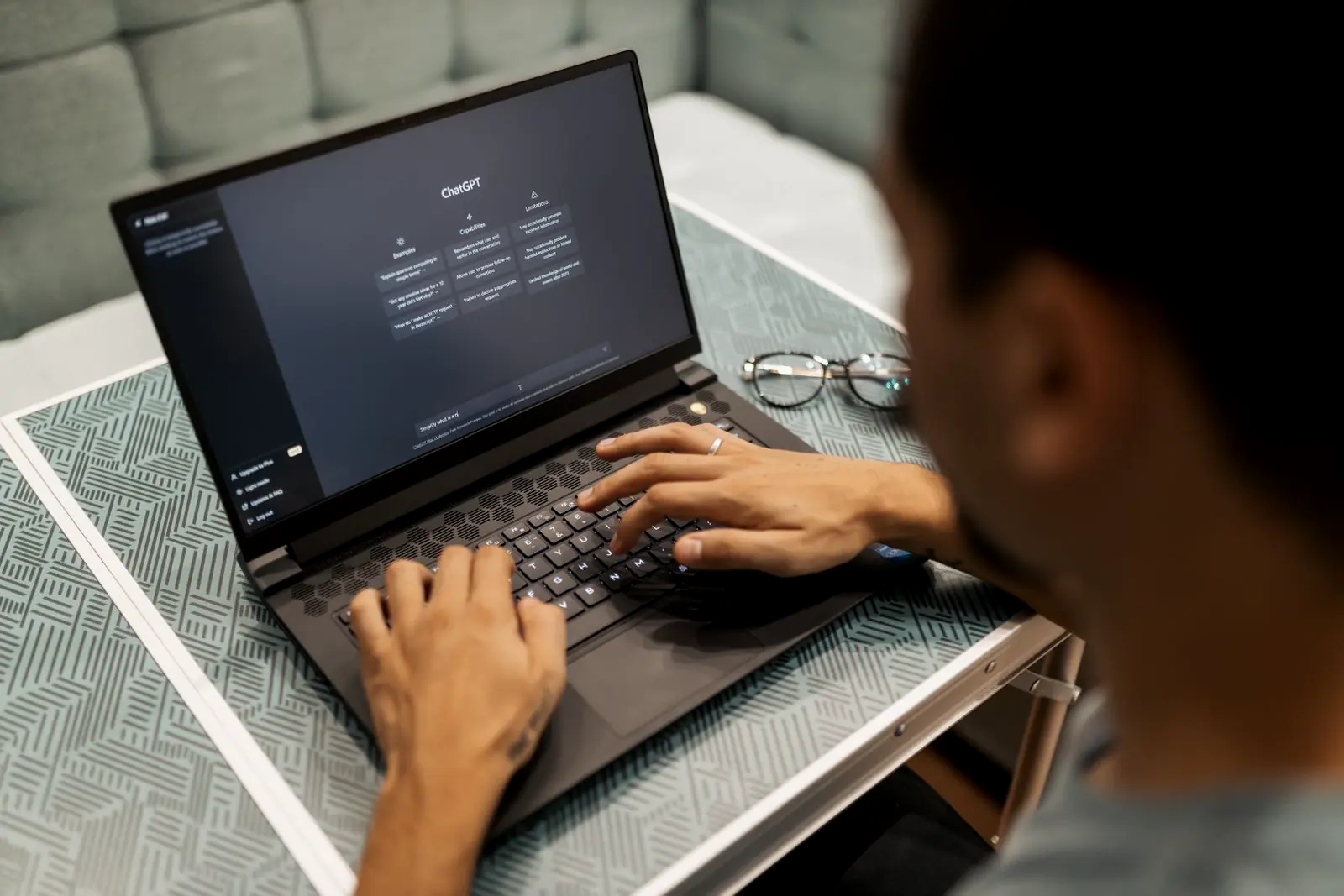
For a long time, the practical way to see how a business showed up in ChatGPT was to ask it a few questions and guess. On 10 November 2026 OpenAI launched Businesses in ChatGPT in beta, with a dashboard called Business Hub. A verified business can claim its profile, keep details current and see aggregated mentions and website clicks.
It is a useful new control. It is not a promise that ChatGPT will recommend you. This guide sets out what OpenAI has published, what a UK business can use today, how claiming works, and how to read the insights without treating a blank chart as a verdict.
OpenAI's announcement describes three parts.
OpenAI says ChatGPT reaches 1.2 billion people each week. The same announcement says the company plans to expand Businesses in ChatGPT and Business Agents to more markets and business categories over time. It does not give a UK date.
Availability is not the same for every feature. The limits below are the ones OpenAI has published, not a guess about what a UK account will be offered.
| Feature | What it does | Availability, as OpenAI has published it |
|---|---|---|
| Claim an online business | Verify a connection to the business, then update details and, for retailers, add a product feed | Eligible businesses where ChatGPT is available. Eligibility depends on location, business type and verification. Claiming is initially for eligible businesses with a website |
| Claim a local listing | Manage a physical shop or restaurant location | OpenAI's setup guide says local stores and restaurants can currently claim only an existing US listing |
| Insights | Mentions, website clicks and discovery topics for the past 28 days | After the claim and Persona identity verification are approved, and only once activity meets OpenAI's reporting threshold |
| Business Agent | A labelled chat that answers questions about the business's products and policies | Eligible ecommerce and online service businesses in the US, with a website, for now |
In practice, a UK business with a website may be able to claim, if OpenAI's checks pass and the claim is approved. A UK shop or restaurant that wants to manage the physical location cannot do that yet, because local listings are limited to existing US listings. Business Agents are not open to UK businesses yet. OpenAI has not published a date for either expansion.
OpenAI's setup guide is the procedure. You do not need an Ads account or a ChatGPT Enterprise agreement to claim an eligible business. You do need to own the business or be authorised to represent it.
Sign in to ChatGPT, open Business Hub from the sidebar and search by name. Select the matching listing and confirm which ChatGPT account will manage it. If you run an eligible online business and cannot find a listing, the guide says you may see an option to add one. Use an account the business can keep. OpenAI asks each person to use their own ChatGPT account, and says not to forward a personal claim invitation to give someone else access.
The methods offered depend on the business. The setup guide lists four:
OpenAI reviews the claim and emails a decision or a request for more information. You can cancel the claim while it is under review.
Claiming alone does not unlock publishing, insights or an agent. The setup guide says you need Persona identity verification before you can publish changes to business information, connect a product feed, view insights, or create an agent if the business is eligible. You may need government-issued ID, business registration information, and proof you are authorised to represent the business.
OpenAI's help article says the business name, address and any registration or tax number should match official business records. For a UK company, that means the details should match the Companies House record and the other records you actually trade under. A mismatch is a straightforward way to slow the review.
The setup guide also says claiming alone does not add the verified badge. The blue check appears after Persona verification is approved. If Persona is used to create a new profile, OpenAI's approval publishes that profile automatically, so check the details before you submit.
After both approvals, the guide says you can update the website, business description, product or service category, logo, delivery policy and return policy, and add a cover photo and other optional details. OpenAI reviews and publishes the changes. They can take time to appear, and ChatGPT may still use other sources when it answers questions about the business.
If you sell products, you can connect a product feed: a Shopify feed, a CSV that follows OpenAI's product feed specification, or a hosted feed URL. Connecting a feed does not publish an agent, and it does not guarantee that ChatGPT recommends the products.
The admin who claimed the business can add teammates and grant an agency access in Business Hub. Each person uses their own ChatGPT account. Invitations can also depend on the workspace used to claim the business.
Each distinct brand is managed separately. Claiming a main brand does not claim its locations. If you run several brands, plan for several claims.
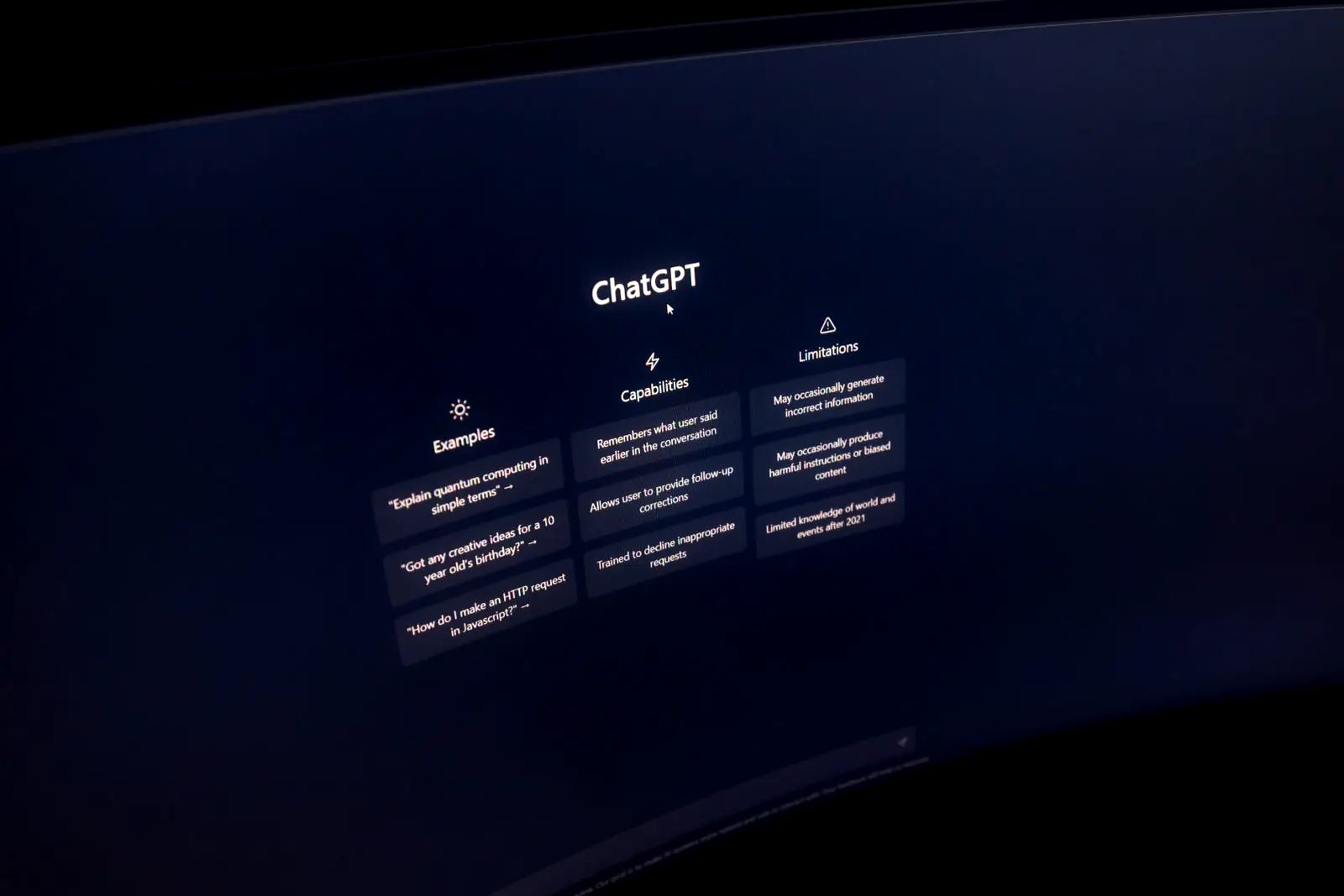
The setup guide defines each metric more narrowly than a casual reading suggests. Insights cover aggregate activity over the past 28 days. OpenAI says it does not share individual conversations or Business Agent chats with the business.
For an online business, a mention counts when ChatGPT references the website. The brand name on its own does not count. For a local business, a mention counts when ChatGPT shows a result for that location, even if nobody opens the listing. A brand that is talked about often, but rarely linked, can show a low mentions figure. That also means these mentions are not the same event as the "brand mentions" some third-party AI visibility tools count. Do not line the two numbers up as if they measure one thing.
This is how often people click a link to the website from ChatGPT. Search Engine Roundtable published the dashboard tooltip: clicks do not confirm website visits or conversions. Use the figure as a cross-check against referral and direct traffic in your own analytics, not as a replacement for it.
Discovery topics group common themes in ChatGPT answers that mentioned or cited the business. OpenAI says they do not reveal individual prompts and do not directly measure customer intent. They can still point at a gap: if a theme keeps appearing, check whether the site answers it clearly.
Counts may be incomplete. The help article says a blank metric can mean activity has not reached the reporting threshold, data is still being collected, or reporting is unavailable. It does not necessarily mean zero activity. The article does not publish the threshold number. A smaller UK business should not treat an empty dashboard in the first weeks as proof that ChatGPT never mentions it. If a metric stays blank, OpenAI says to contact Support.
Business Hub is a direct way to supply information ChatGPT can use. It does not replace the work that makes an assistant confident enough to cite you. OpenAI says ChatGPT may still draw on other sources, so what the rest of the web says still counts.
The same foundations sit behind answer engine optimisation and generative engine optimisation. Our guides to GEO and AEO for UK SMEs and AI search optimisation in 2026 go further. The practical list, matched to what Business Hub actually asks for, is:
It also sits next to Google's own reporting. If you already use the AI report in Search Console, our post on the Search Console AI performance report explains what that data does and does not show. Paid placements inside ChatGPT are a separate decision, covered in the ChatGPT Ads UK guide.

Our SEO service runs answer engine optimisation and generative engine optimisation alongside classic SEO. The page lists that work as question research, answer-first content, structured data, entity consistency, and reviews and mentions, so assistants such as ChatGPT, Perplexity and Google's AI Overviews have a clear source to cite. The same page says anyone promising page one by Friday is either lucky or lying. Claiming a ChatGPT profile does not change that.
Business Hub is a useful place to keep the facts straight. It is not a shortcut to the top of an answer.
Business Hub is OpenAI's dashboard for Businesses in ChatGPT, launched in beta on 10 November 2026. It lets a verified business claim its profile, update its details and product information, and see insights such as mentions, website clicks and discovery topics.
Eligible businesses can claim a profile where ChatGPT is available, subject to location, business type and verification, and OpenAI has to approve the claim. Claiming is initially for eligible businesses with a website. Local shops and restaurants can currently claim only an existing US listing, and Business Agents are for eligible US ecommerce and online service businesses for now.
No. OpenAI says claiming lets you manage the information you provide, but it does not guarantee higher placement, sales or control over ChatGPT's independent recommendations. Advertising does not influence those answers either.
For an online business, a mention counts when ChatGPT references your website. The brand name alone does not count. For a local business, a mention counts when ChatGPT shows a result for that location, even if nobody opens it.
Insights only appear once activity meets OpenAI's reporting threshold. A blank metric can mean activity has not reached that threshold, data is still being collected, or reporting is unavailable. It does not necessarily mean zero activity.
If you want a straight read on how the business shows up in Google and in AI answers, and what to fix before a ChatGPT claim, book a call. We will look at the current details and the pages that should be cited. There is no promised placement in that conversation.
Book a call if you want the site and the ChatGPT facts checked together. We will not promise a placement.
Book a call
No-fluff takes on what brands get right, get wrong, and stay strangely quiet about - delivered straight to your LinkedIn feed. Free, and worth the inbox space.
Subscribe on LinkedIn