Guide · Local SEO
Google Business Profile SEO
Read article →
A new website should be good news.

A new website should be good news. Better design, faster pages, clearer offers. Yet a relaunch can quietly cost a business the rankings that fed its pipeline, and the enquiries that came with them.
The design is rarely the problem. A redesign quietly changes the things Google relies on: URLs, titles, internal links, content, tracking and sometimes the domain itself. Change them without a plan and Google has to relearn your site.
This is the website redesign SEO checklist we work through with clients, based on Google's own Search Central guidance on site moves. The goal is simple: keep the traffic and qualified leads you already have while the new site earns more.
Most traffic drops after a relaunch come from a short list of avoidable mistakes:
On that last point, Google's site move guidance recommends changing one thing at a time where you can. If you plan to move domain, switch CMS and launch a new layout, Google suggests doing them as separate steps rather than all together. Its Change of Address documentation also warns that combining a site move with a redesign of the content and URL structure will probably mean some traffic loss while Google relearns and reassesses the pages.
Website migration SEO starts with knowing exactly what you have. Before anyone touches the new build, export a full list of your current URLs:
Put it all in one spreadsheet and flag your priority pages: the ones that rank, convert or have backlinks.
For every old URL, decide where it lives on the new site. Keeping the same URL is the safest option. If it changes, it needs a permanent redirect to the closest matching new page.
Google recommends server-side permanent redirects, such as 301 or 308, wherever technically possible. It also states plainly that 301 and other permanent redirects do not cause a loss in PageRank. 301 redirects are not something to be nervous about. Missing ones are.
If an old URL already redirects somewhere, point it straight at the final destination. Google says Googlebot can follow up to 10 hops, but it advises redirecting directly to the final URL, and where that is not possible, keeping chains low, ideally no more than three. Chains slow pages down for users too.
It is a tempting shortcut. Google's guidance is explicit: do not redirect many old URLs to a single irrelevant destination such as the homepage, as it can confuse users and may be treated as a soft 404. If several old pages were genuinely merged into one new page, redirecting them to that consolidated page is fine.
If a page is truly gone with no equivalent, let it return a 404 or 410. And keep your redirects live: Google generally recommends at least a year.

Carry over the titles, meta descriptions and H1s of your priority pages, or improve them with care. A page that ranks for "accountant in Leeds" should not relaunch with the H1 "Welcome to the future of finance".
Keep the substance of pages that rank. Redesign the layout and tighten the copy, but do not cut the sections that answer what people search for. Update internal links to point directly at the new URLs, as Google recommends, rather than relying on redirects.
That is why our web design and SEO work is planned together: the prettiest new page is worthless if nobody can find it.
Staging sites are usually blocked with a noindex tag, a robots.txt disallow or a password. Sensible during the build, a disaster if it reaches the live site.
Google's guidance flags leftover noindex rules and robots.txt blocks as a common migration mistake. Before launch, prepare the robots.txt the live site should have and list every page where noindex needs removing. On launch day, check both straight away.
Google says each new URL should carry a self-referencing canonical tag, and any hreflang annotations should point to the new URLs. Build a fresh XML sitemap of the new URLs and keep a copy of the old one for monitoring.
Google calls Search Console "your friend" during a site move. Use it like this.
Verify everything first. Verify the old and new sites and all variants (www and non-www, HTTP and HTTPS), and make sure any HTML file or meta tag verification survives the rebuild.
Change of Address, only for domain moves. This tool is for moving from one domain or subdomain to another, such as example.co.uk to example.com. Google says not to use it for HTTP to HTTPS, www to non-www, or path changes on the same domain. Submit it after your redirects are live. The move runs for 180 days, so keep redirects well beyond that.
Resubmit your sitemap. Submit the new sitemap so Google discovers the new URLs. Google suggests submitting both the old and new sitemaps to watch indexing shift from one to the other.
URL Inspection and Request indexing. Test key redirects and new pages, then request indexing for your most important pages. There is a daily limit, so for large numbers of pages use the sitemap.
Removals, only for genuinely dead URLs. The Removals tool hides URLs for about six months. Google says it is not for cleaning up old 404 pages or moving content, as outdated URLs drop out naturally on recrawl. Use it only when something that should never be public, such as a leaked staging page, needs hiding fast.
Rankings are only half the story. A redesign can also break the systems that show whether the site makes money.
GA4 and conversion tags. Check your GA4 tag, Google Ads conversion tags, Meta Pixel and call tracking fire on the new templates, especially forms and thank-you pages. Test real submissions before launch.
Google Ads final URLs. Google's site move guidance includes pointing ad campaigns at the new landing pages. Under Google Ads destination requirements, URLs returning an HTTP error to AdsBot can be disapproved as "Destination not working", and final URLs redirecting to a different domain can trigger "Destination mismatch". Audit every final URL and sitelink before you switch.
Meta and other paid social. Check ad destinations, UTM parameters and campaign landing pages. A broken landing page wastes spend from the first click. Our paid media team audits these as part of any relaunch, and our Meta ads vs Google ads guide covers how each channel uses your landing pages.
Measure the relaunch against enquiries and sales, not just traffic. Our guides to measuring marketing ROI and lead quality vs quantity explain why.
NAP and local signals. Keep your business name, address and phone number identical across the new site, Google Business Profile and directories, and update your profile if the website URL changes. Our Google Business Profile SEO guide covers the details.
Structured data. Carry over Organization, LocalBusiness, FAQ and other schema, then test the new templates.
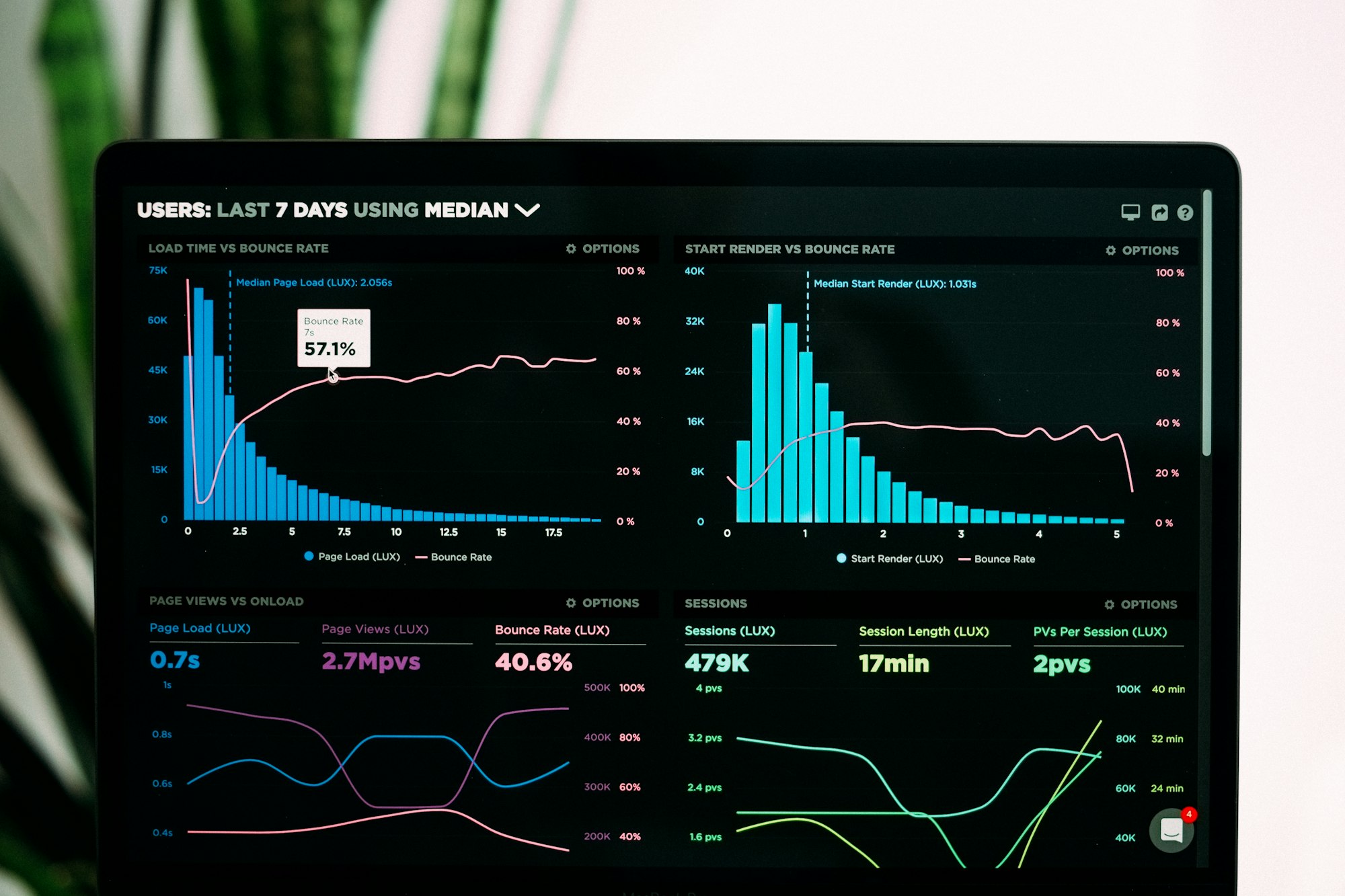
Core Web Vitals. A redesign is the ideal moment to improve page speed, not to slow it down with heavy sliders and unoptimised images. Google's targets are a Largest Contentful Paint within 2.5 seconds, Interaction to Next Paint under 200 milliseconds and Cumulative Layout Shift under 0.1. Check the Core Web Vitals report in Search Console after launch.
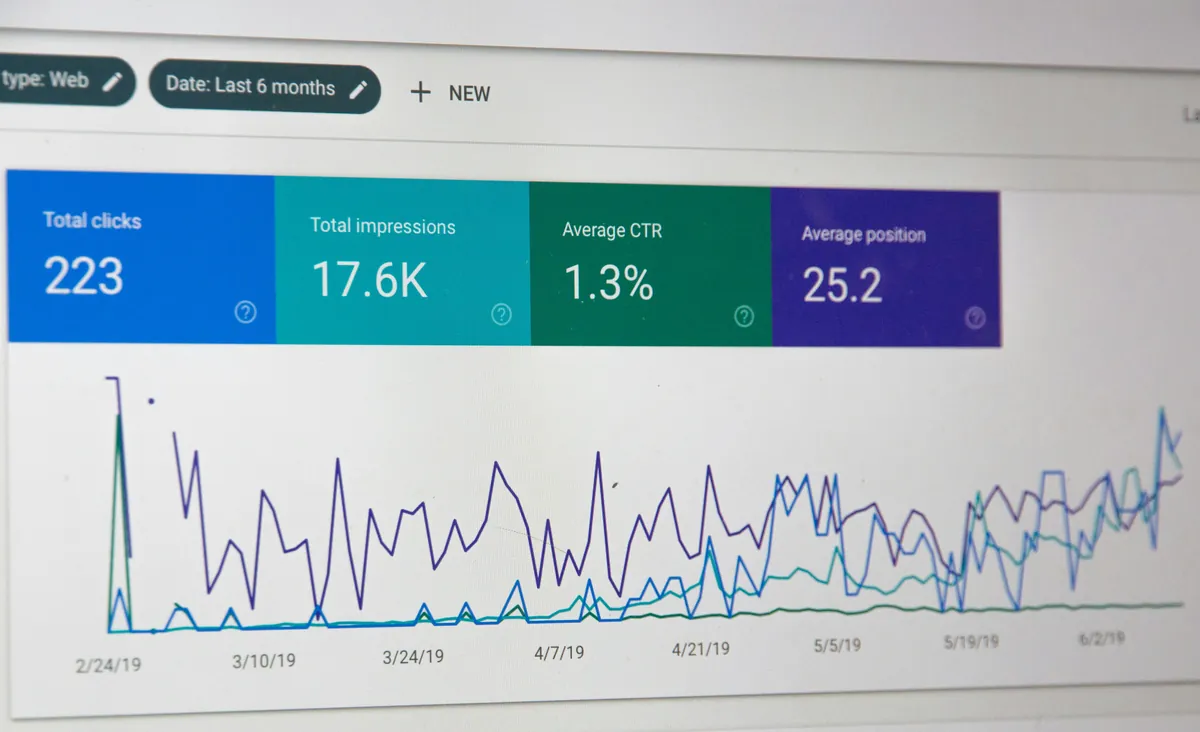
Google says rankings can fluctuate during a move and that a small to medium site can take a few weeks for most pages to move, with larger sites taking longer. That is why we plan for at least four to eight weeks of close monitoring:
Google also warns it may crawl the new site more heavily than usual after a migration, so make sure your hosting can cope. Our food brand SEO case study shows the kind of Search Console reporting we lean on.
The same groundwork supports visibility in AI answers too. Our guide to AI search optimisation in 2026 covers what to add on top, and SEO vs paid ads for lead generation explains why protecting organic rankings matters for cost per lead.
It can. Changing URLs, content, titles or internal links can make rankings fluctuate while Google recrawls the site. Keeping URLs where possible, 301 redirecting every changed URL to its closest match and keeping content that ranks minimises the impact.
Google says a small to medium site can take a few weeks for most pages to move, longer for larger sites. Plan four to eight weeks of monitoring.
No. Google states that 301 and other permanent redirects do not cause a loss in PageRank. Problems come from missing redirects, redirect chains and redirecting many pages to an irrelevant page such as the homepage.
Only if you are moving to a new domain or subdomain. Google says it is not for HTTP to HTTPS moves, www and non-www changes, or moving pages within the same domain. Redirects and an updated sitemap cover those.
A redesign should grow your business, not reset it. A proper URL inventory, one-to-one 301 redirects, clean Search Console setup, working tracking and close monitoring keep what already works and give the new site the best start.
If you are planning a new website and want the SEO, redirects, Search Console and ad landing pages handled properly, talk to BlackFire Marketing. We will help you relaunch with your rankings, and your enquiries, intact.
A redesign should grow your business, not reset it.
Talk to us
No-fluff takes on what brands get right, get wrong, and stay strangely quiet about - delivered straight to your LinkedIn feed. Free, and worth the inbox space.
Subscribe on LinkedIn